
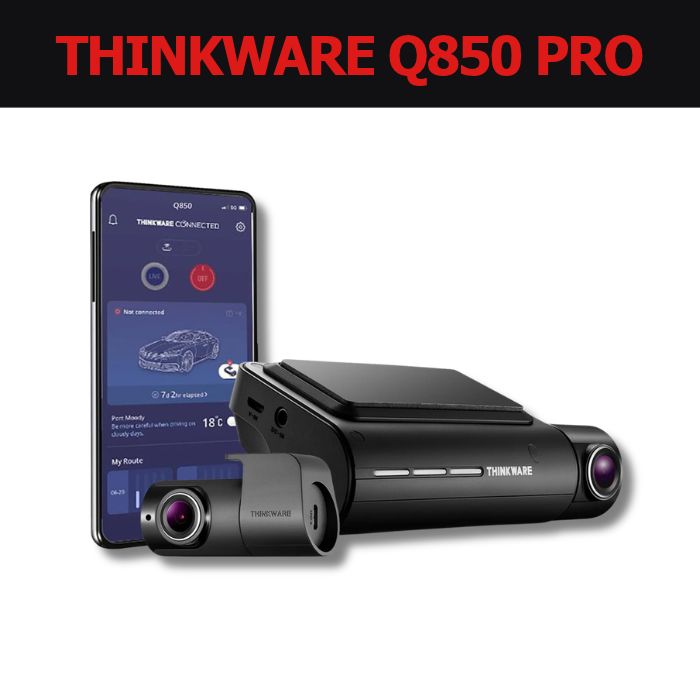
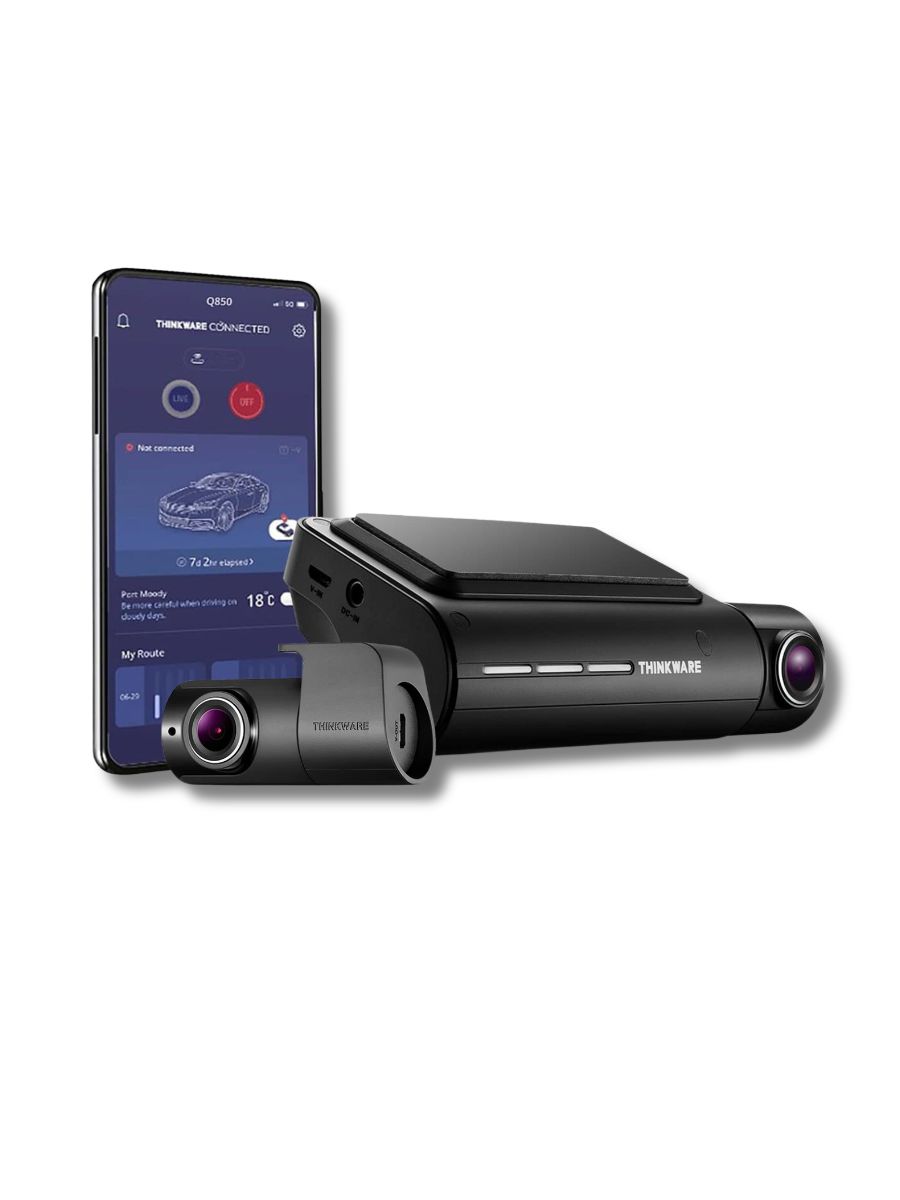
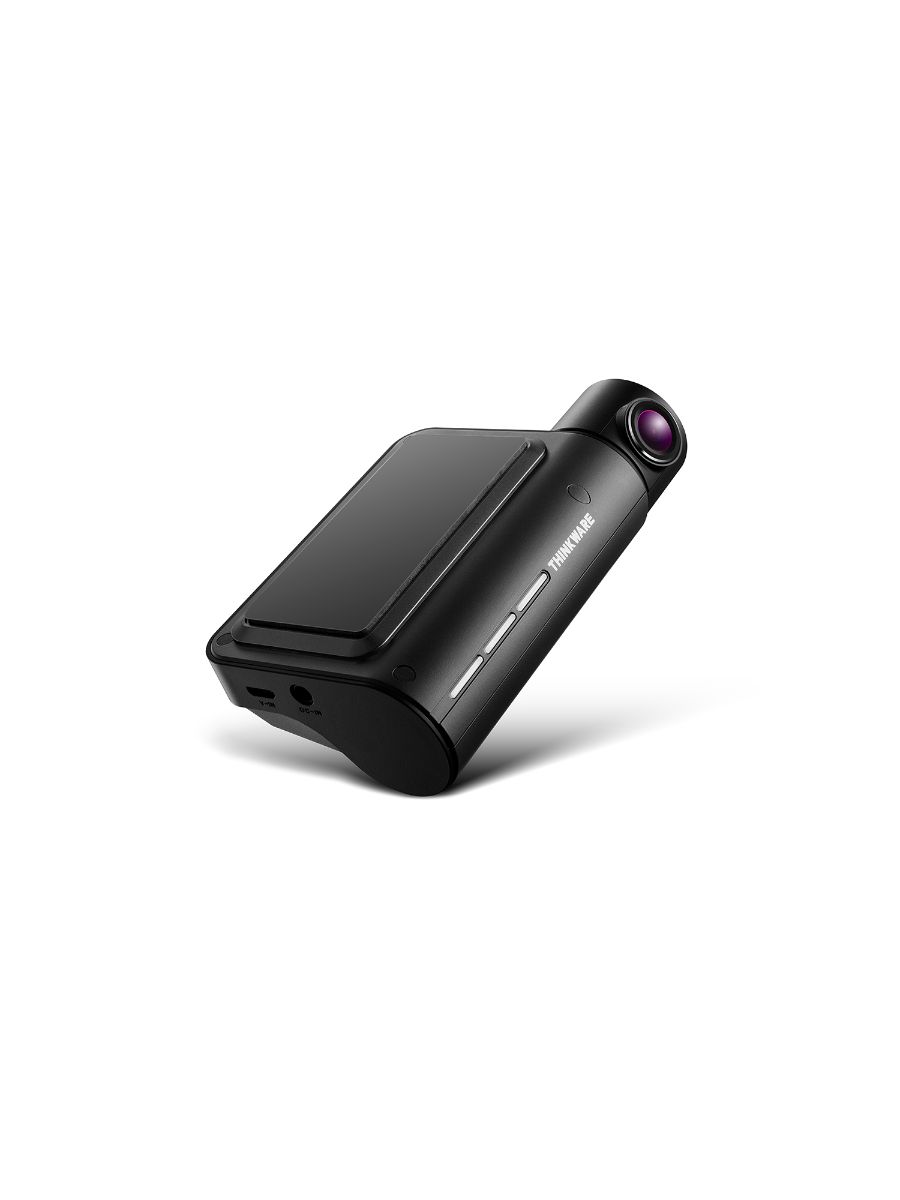
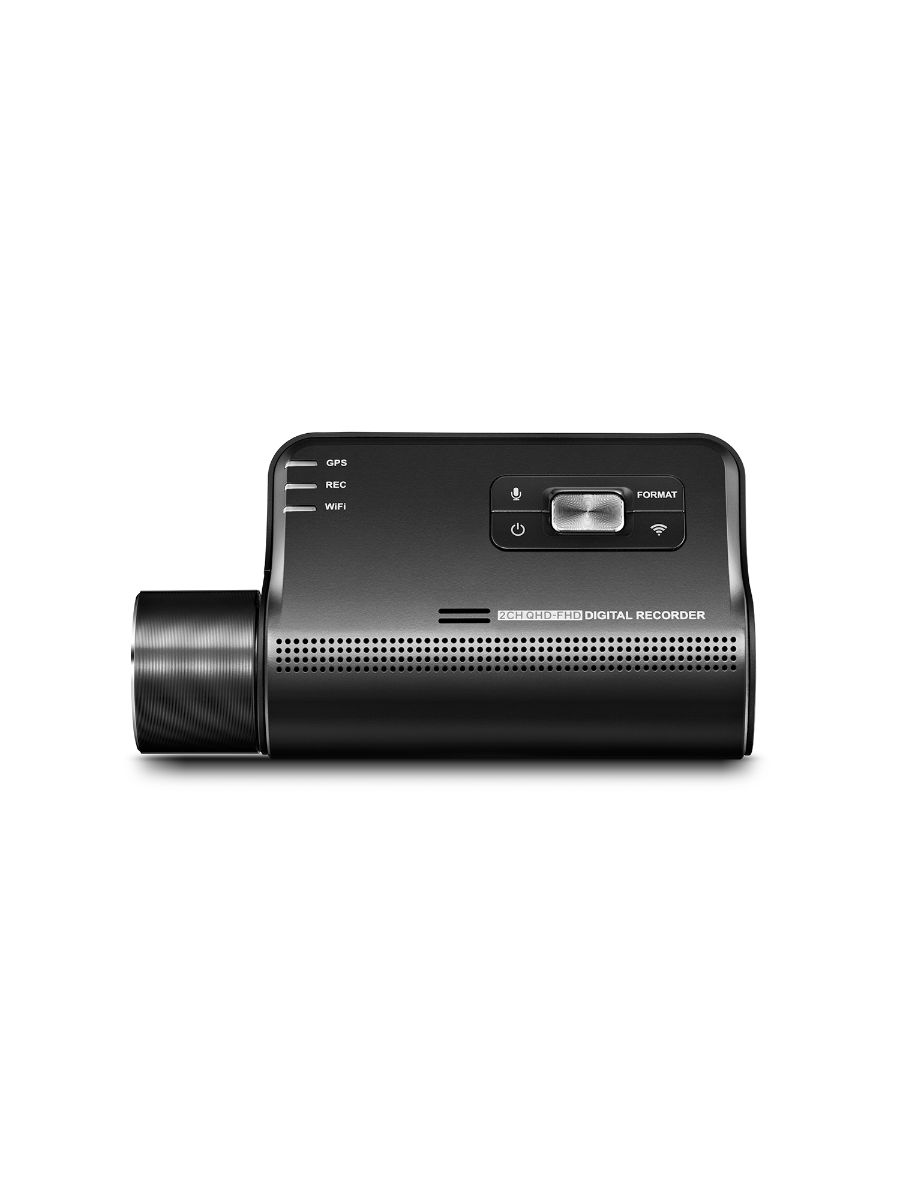
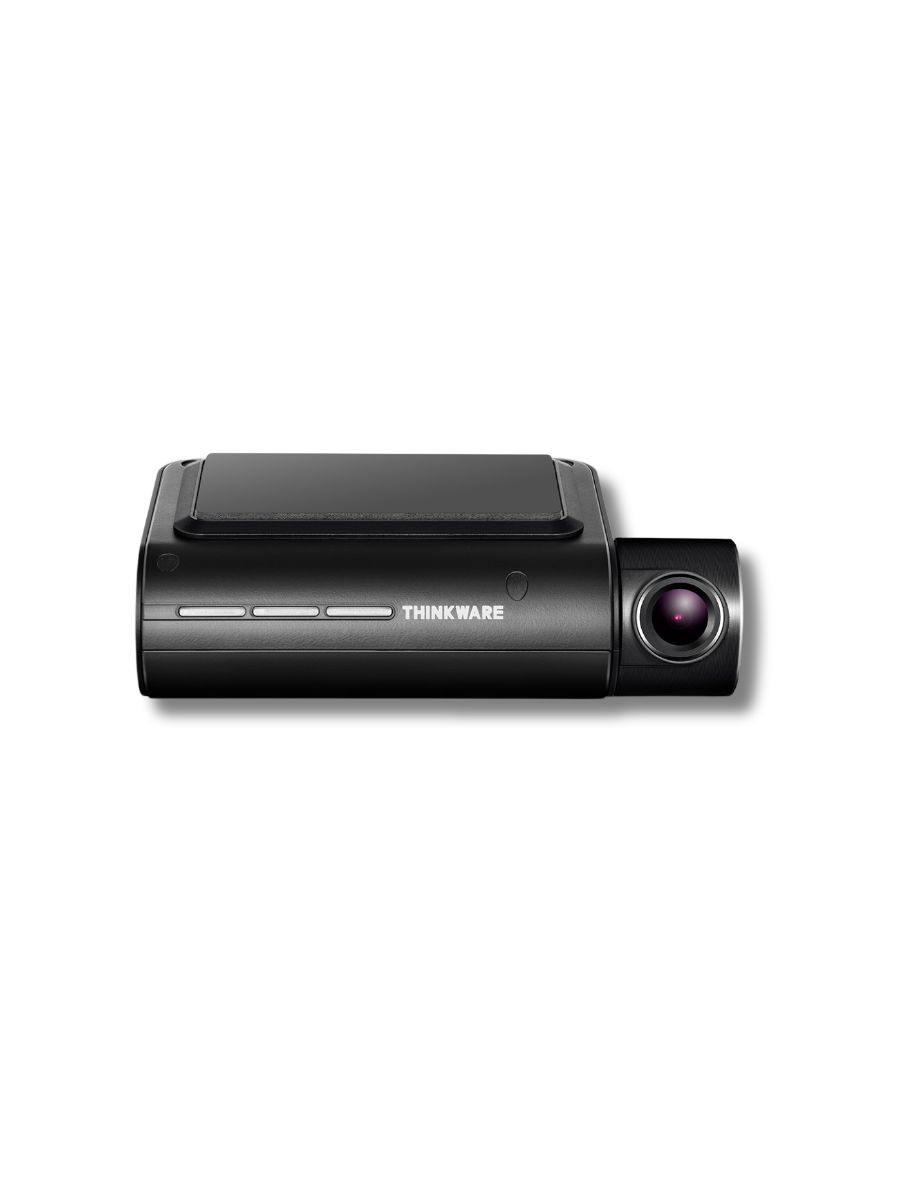
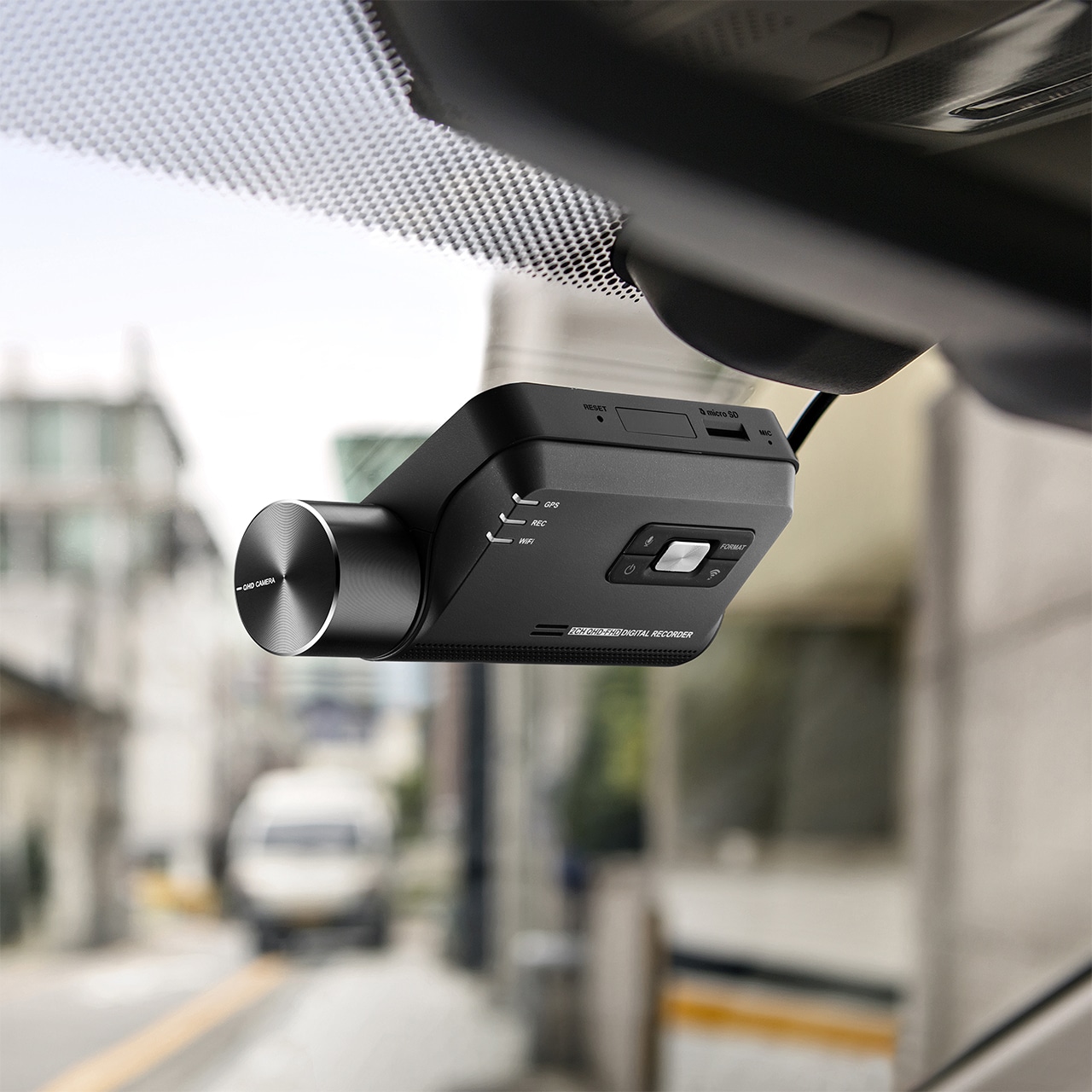
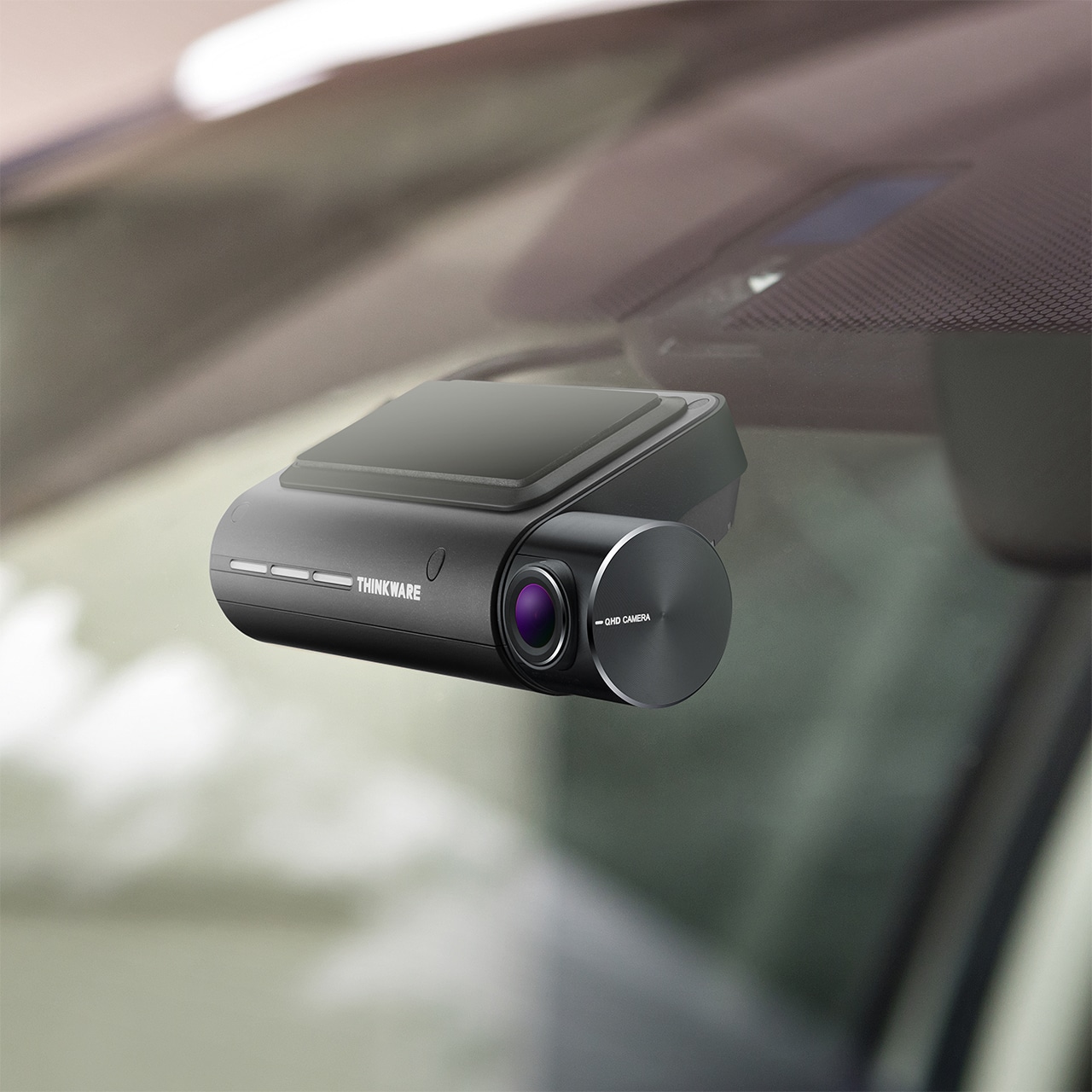
Combining stylish design with impressive performance, the Thinkware Q850 PRO delivers clear, detailed footage for added confidence on every journey. Featuring an upgraded 5.14mp Sony Exmor R STARVIS image sensor and enhanced optical lens, it captures high-quality video in a range of lighting conditions.
Wiith built-in GPS, an integrated speed camera database and advanced Parking Mode, the Q850 PRO offers a comprehensive range of features to support drivers both on the road and while parked.
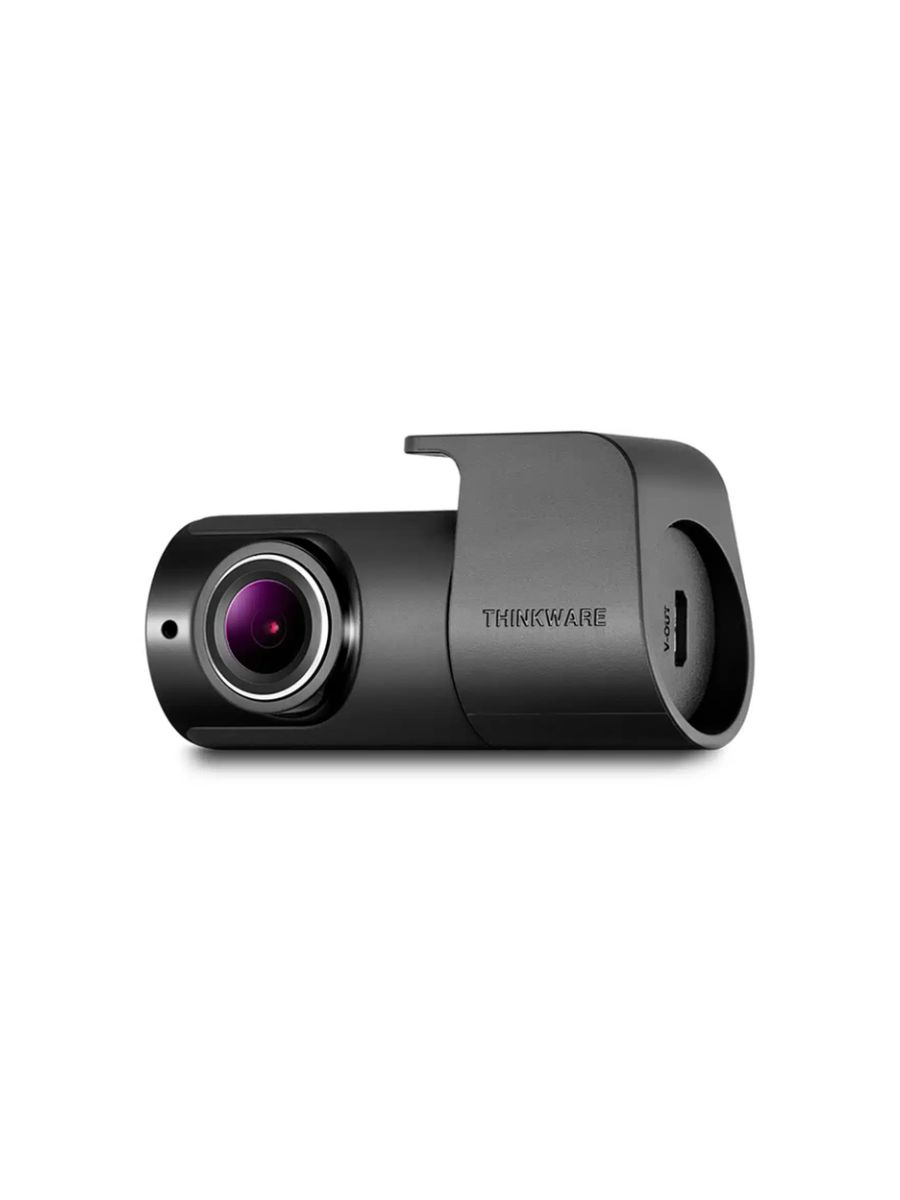
Easily mounted to the rear window, it connects to the front unit using the supplied cable, with all footage conveniently saved to the main camera’s Micro SD card.
Adding a rear camera provides front and rear coverage, capturing clear, detailed footage through its wide-angle lens. It can also detect movement behind your vehicle, helping monitor activity when you’re driving or parked.
Capture your journeys in impressive 2K QHD resolution, delivering sharp, detailed footage with enhanced contrast and accurate colour reproduction. Powered by a high-performance image sensor, the dash cam records clear, reliable footage in a range of lighting conditions, helping capture important details both day and night.

Advanced dewarping technology reduces lens distortion, allowing the front camera to capture a more natural, true-to-life view of the road ahead. This delivers clearer, more accurate footage with minimal iage distortion.

Capture clearner footage in low-light conditions with Thinkwares’s advanced Super Night Vision 2.0 technology. Using Image Signal Processing (ISP) and real-time image enhancement, it improves brightness and reduces image noise to reveal greater detail during night-time recording.

Stay connected to your vehicle wherever you are with the Thinkware Connected app and PC application. Recieve real-time notifications, view recorded footage and check your vehicle’s location remotely giving you greater visibility and peace of mind when you’re away.
Each Thinkware Connected account can link up to 30 vehicles for FREE, making it an ideal solution for families and fleet operators who want to monitor multiple vehicles from one account.
Thinkware Parking Mode allows your dash cam to continue recording while your vehicle is parked and the ignition is switched off. Available when using a hardwiring cable or compatible OBD-II connector, this feature helps capture activity around your vehicle when you’re away.
Thinkware dash cams also monitor your vehicle’s battery voltage and automatically shut down if it drops below the set safety level, helping to prevent unnecessary battery drain.
Please note: A hardwiring cable or OBD-II connector must be installed to use Parking Mode.
Reduce power consumption and extend recording time compared to standard Parking Mode with Thinkware’s Energy Saving Mode. Ideal with leaving your vehicle parked for extended periods, the dash cam enters sleep mode to conserve battery power.
If the built-in G-sensor detects an impact, the camera wakes up within one second and automatically records the following 20 seconds, helping capture important incidents while your vehicle is unattended.
Records continuously at 2 frames per second (fps), reducing power consumption and extending recording time in Parking Mode while still capturing important activity around your vehicle.
Capture clearer footage in low-light conditions with Thinkware’s advanced Super Night Vision 2.0 technology. Using Image Signal Processing (ISP) and real-time image enhancement, it improves brightness and reduces image noise to reveal greater detal during night-time recording.
Version 2.0 also offers added flexibility, allowing you to choose between Continuous Recording Mode and standard Parking Mode to suit your monitoring needs.
Built-in GPS tracks your vehicle’s speed and journey data while providing alerts for approaching speed cameras and red-light cameras, helping keep you informed and aware on the road.*
*UK speed camera (Cyclops) database with regular free updates.

Forward Collision Warning System (FCWS)
Warns the driver of impending road hazards.
 Front Vehicle Departure Warning (FVDW)
Informs the driver of the vehicle ahead starting to move.

Lane Departure Warning System (LDWS)
Detects if the vehicle is veering off the driving lane.
Built-in GPS records your vehicle’s speed, location and route, allowing you to review your journey details alongside recorded footage. Using the Thinkware PC or Mac Viewer, you can view your vehicle’s position on a map and check key information, including driving speed, the time of an impact and its severity. This provides useful additional context when reviewing incidents or assessing events on the road.
Manage your Thinkware dadh cam recordings easily with the intuitive PC or Mac Viewer. Playback and download recorded footage, adjust camera settings, format your memory card and install firmware updates, all through one simple interface. Everything you need to manage your dash cam is conveniently accessible in just a few clicks.

Capture clearner, more detailed footage with advanced multi-exposure technology. The dash cam automatically adjusts exposure levels to balance brght and dark areas, helping maintain image clarity and detail in challenging lighting conditions, even when light levels are particularly high or low.
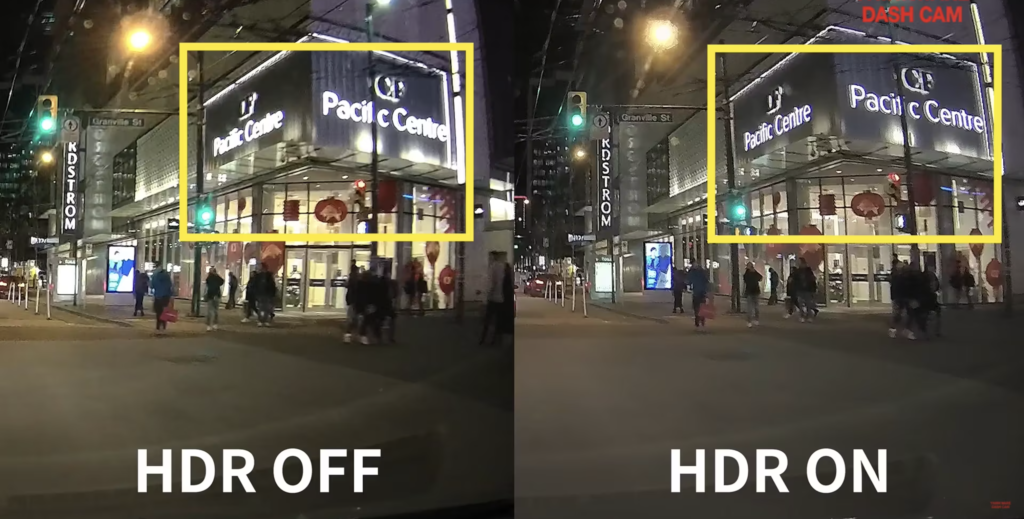
Multiple Recording Modes
Continuous Recording Mode
This mode is activated automatically when you start the engine. Recorded videos are saved in one-minute segments with an auto-looping mechanism.
Incident Recording Mode
The Active Impact Monitoring System will automatically store the video data ten seconds prior to and after a collision registered by the 3-axis G-Sensor.
Manual Recording Mode
Similar to a video camera, you can use the Manual Recording Mode to capture events that occur in front of your vehicle whether or not it is in motion.
Fail-Safe Recording
In the event that the power gets disconnected after an accident, the fail-safe recording uses the Super Capacitor for backup power to ensure safe storage of any recording in progress.
Helps prevent file corruption and data loss, reducing the need for frequent memory card formatting. Anti-file corruotion technology also minimises data fragmentation, helping extend the memory card’s lifespan and maintain reliable recording performance.

Protect your dash cam from excessive heat with intelligent temperture monitoring and built-in thermal protection. Specially designed heat-dissipation features and an integrated thermal sensor help prevent overheating by automatically shutting down the device when temperatures become too high, reducing the risk of damage to the camera and stored footage.
Thinkware dash cams also feature a temperature-protected Super Capacitor, providing backup power in the event of a collision or sudden power loss. This allows the camera to safely save the final 10 seconds of footage, helping preserve important incident recordings.
View our full range of Front, Front & Rear Dash Cams.
Supplied by Chameleon.
Reviews
There are no reviews yet.